An open collection of printable miniatures
Floral
Instax Frames.
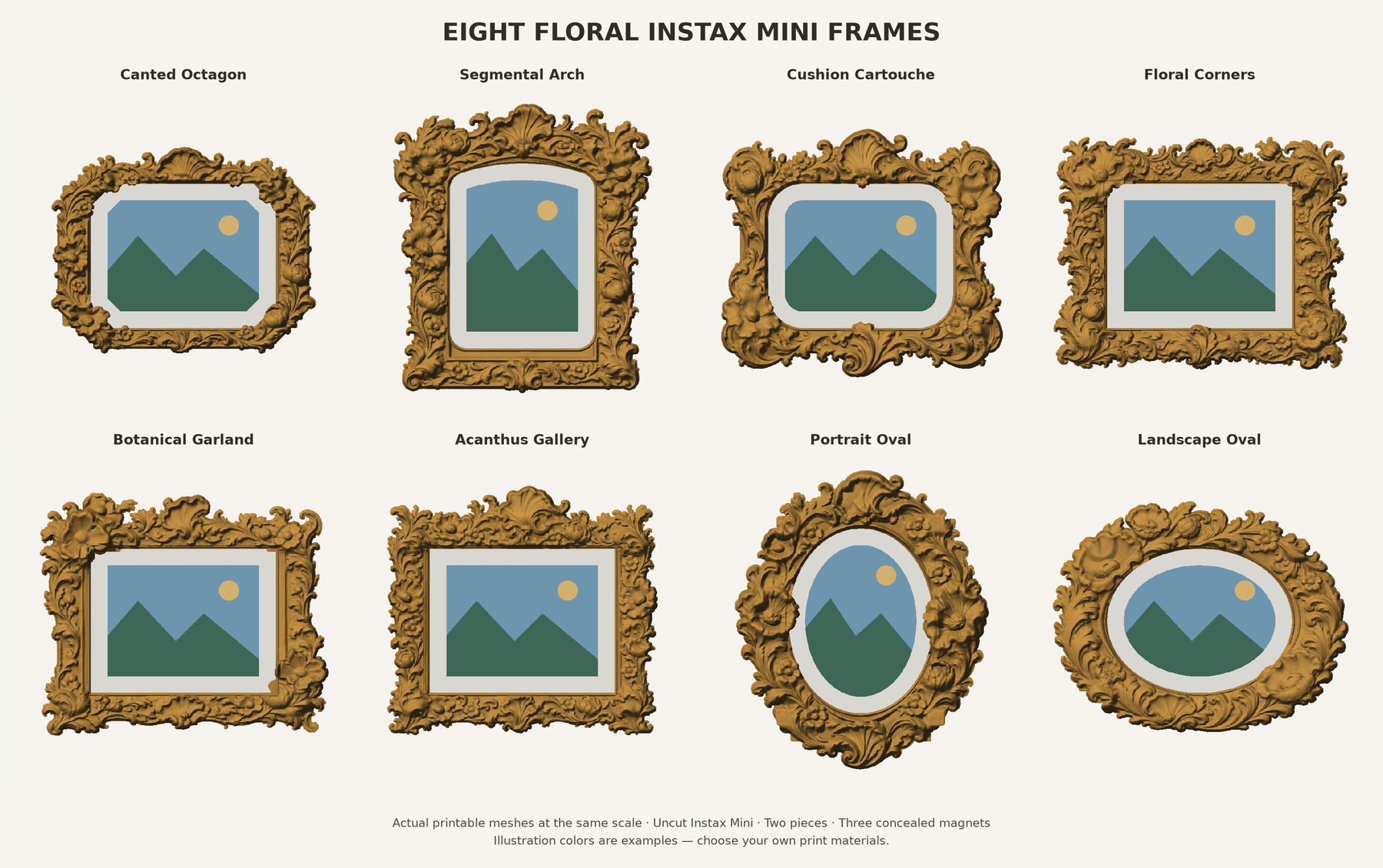
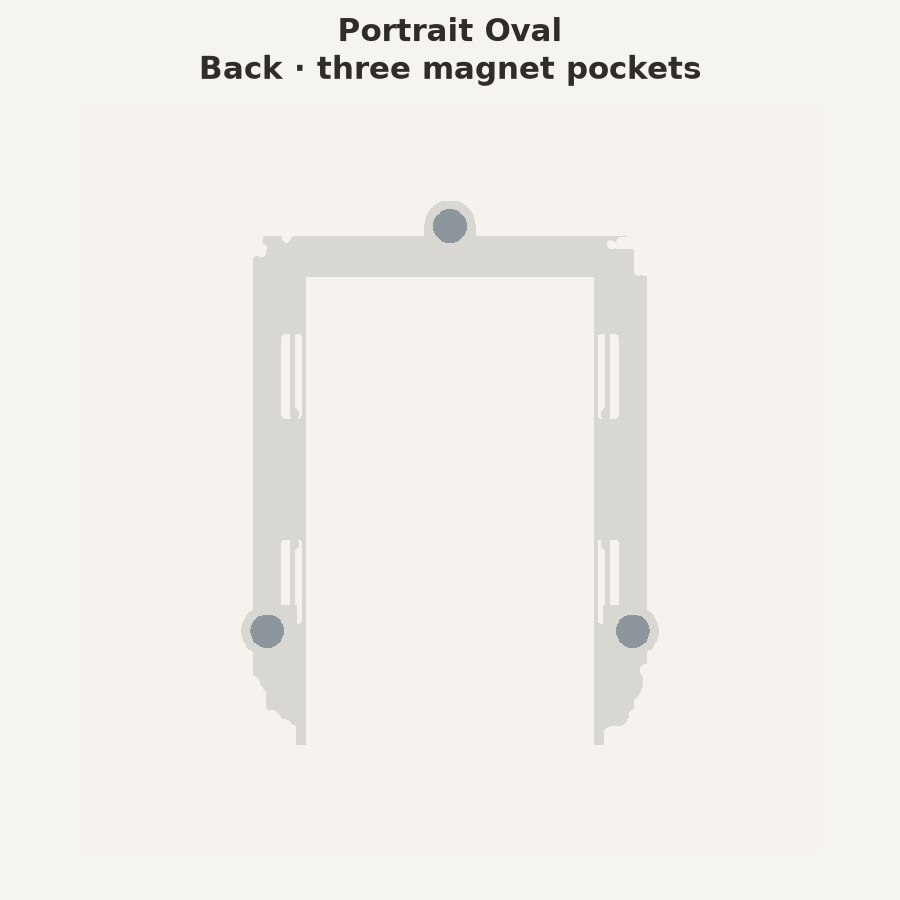
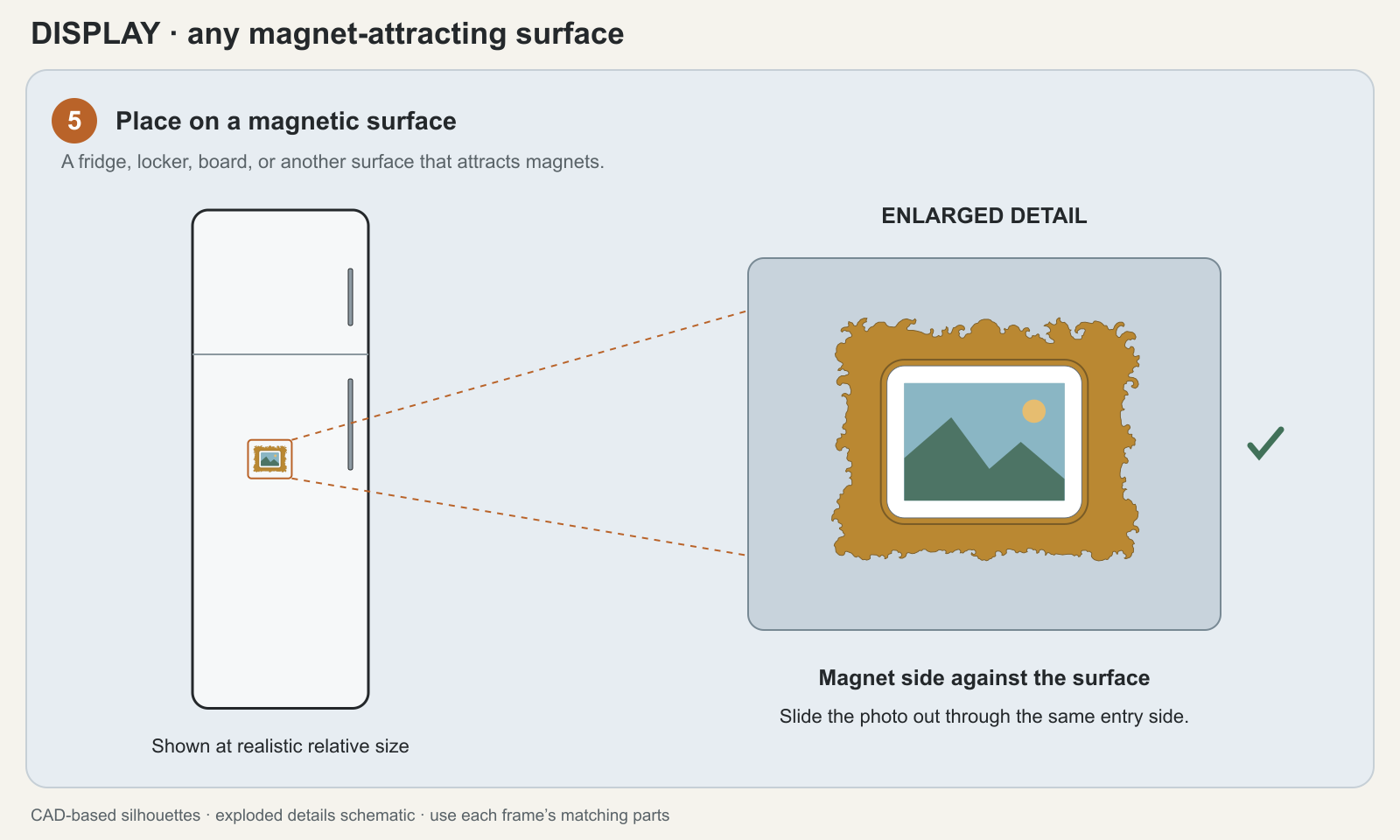
Eight floral frames for whole, uncut Instax Mini photos. Print a front and matching back, slide in your photo, and display it on a magnetic surface. Each frame holds three Ø6 × 3 mm magnets.
8 designs · Whole film, no trimming · Free to make & share
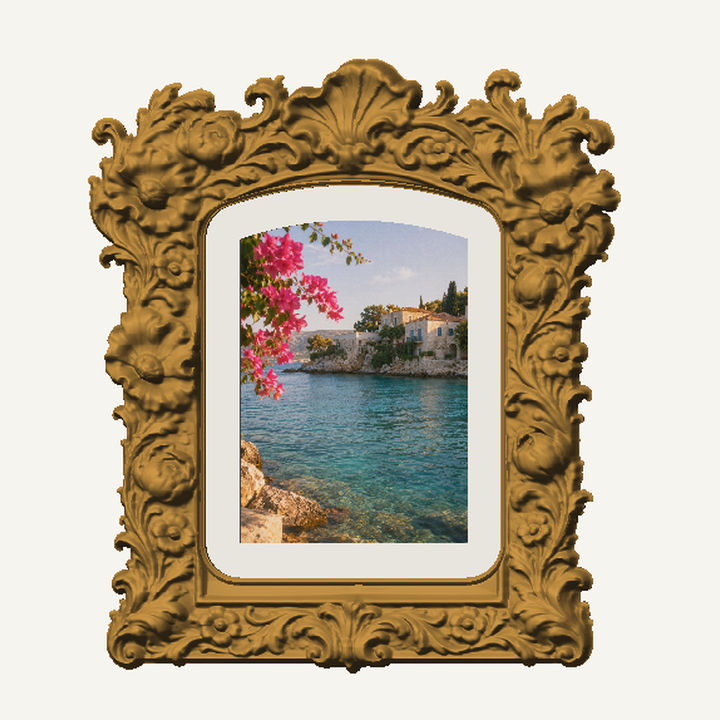
Actual 3D model · simulated photo
Download on MakerWorld · Download on Printables · Read the design story
Download all eight designs — 3MF, STL or complete pack
Two-color P2S project pack — all eight frames: two plates per frame, with the mat in one filament slot and ornament/back in the other. Includes plate previews, illustrated instructions and checked slicing settings.
v0.3.0 restores flowers overflowing onto the mat in six designs. Existing matching backs still fit; only the affected fronts need reprinting to recover the detail. Upgrade guide and before/after views · Changelog. Revised fronts passed digital checks; physical checks of this revision are pending.
🖼️ Choose a frame
Each 3MF includes both matching parts on two plates. Open it as a project in Bambu Studio to retain the assembly and material assignments.
For other slicers, download the STL ZIP: ornament, mat and matching back. Keep the mat and ornament aligned as one front, and choose your own print settings. STL import and color-change guide.
Match the frame to your photo
- Details near the edges: the three rectangular designs—Floral Corners, Botanical Garland and Acanthus Gallery—show about 93% of the image area.
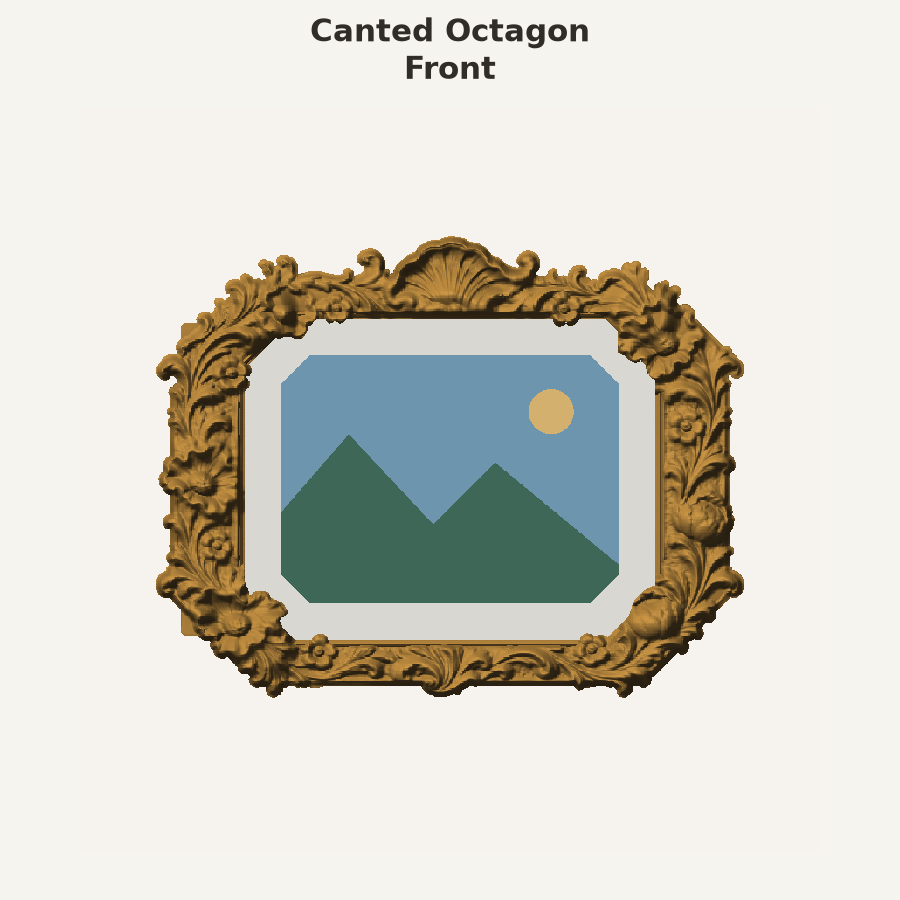
- A shaped opening with a smaller crop: Canted Octagon, Segmental Arch and Cushion Cartouche show about 91%. Keep important details away from the shaped corners.
- Centered subjects: Portrait Oval and Landscape Oval show about 73%, masking all four corners. Choose the orientation that matches your photo.
These percentages describe the visible image area. The full film sheet stays uncut in every design.
Choose a view to compare all eight frames from the same angle. Click any preview to enlarge.
| Preview | Design & files | More views |
|---|---|---|
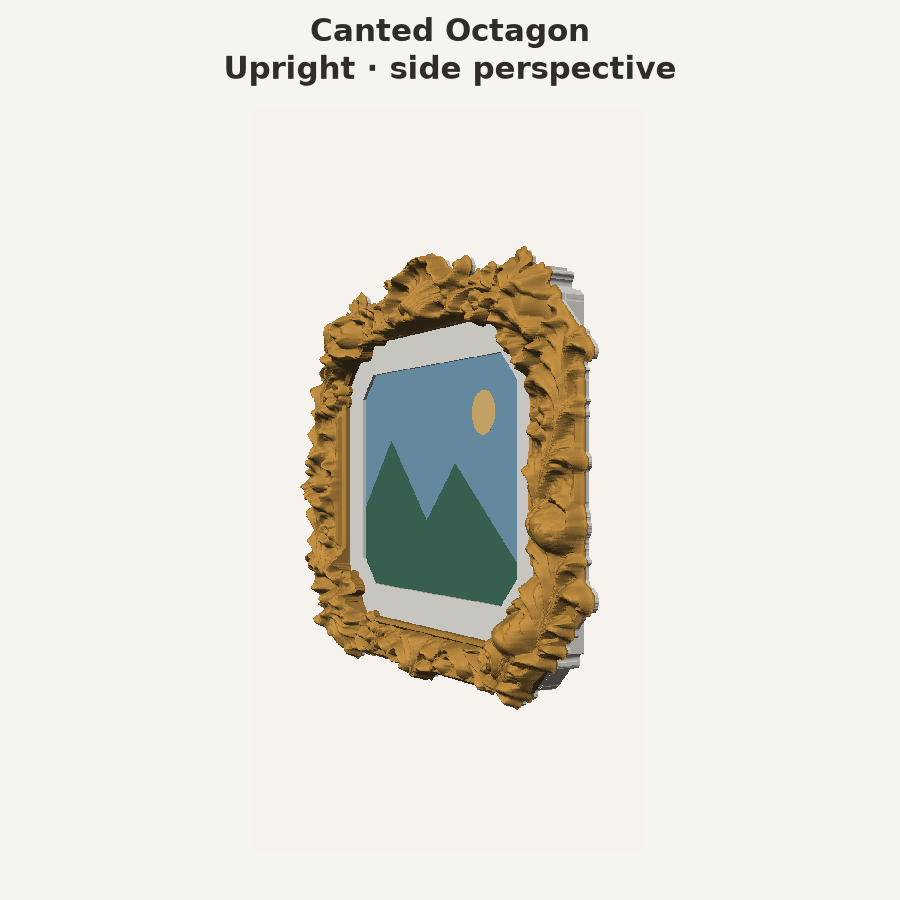 |
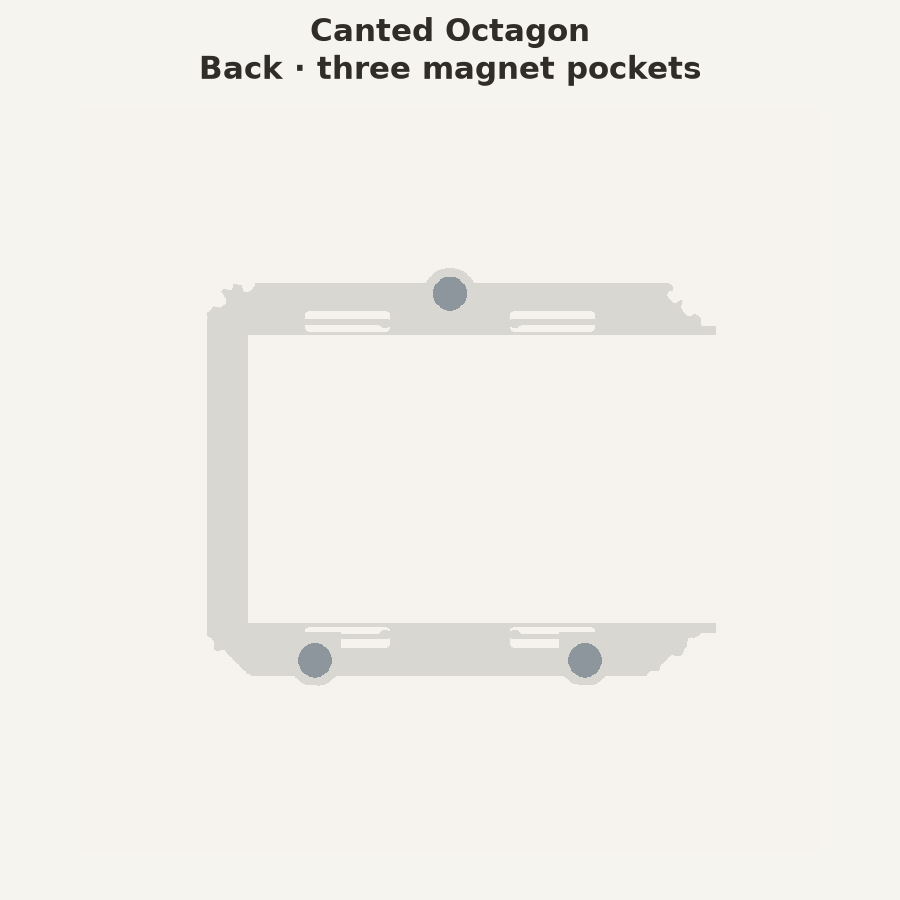
Canted Octagon Landscape · 104.7 × 81.9 mm Download 3MF · STL ZIP |
Front · Angled Back · Photo fit |
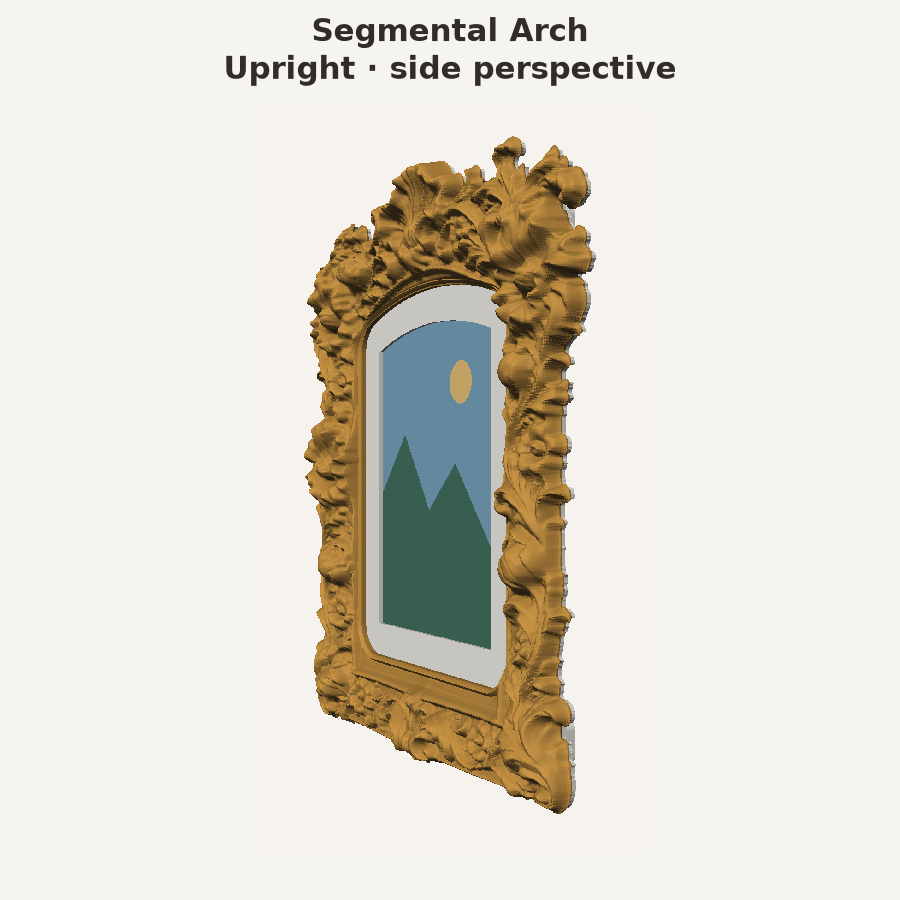 |
Segmental Arch Portrait · 102.6 × 114.5 mm Download 3MF · STL ZIP |
Front · Angled Back · Photo fit |
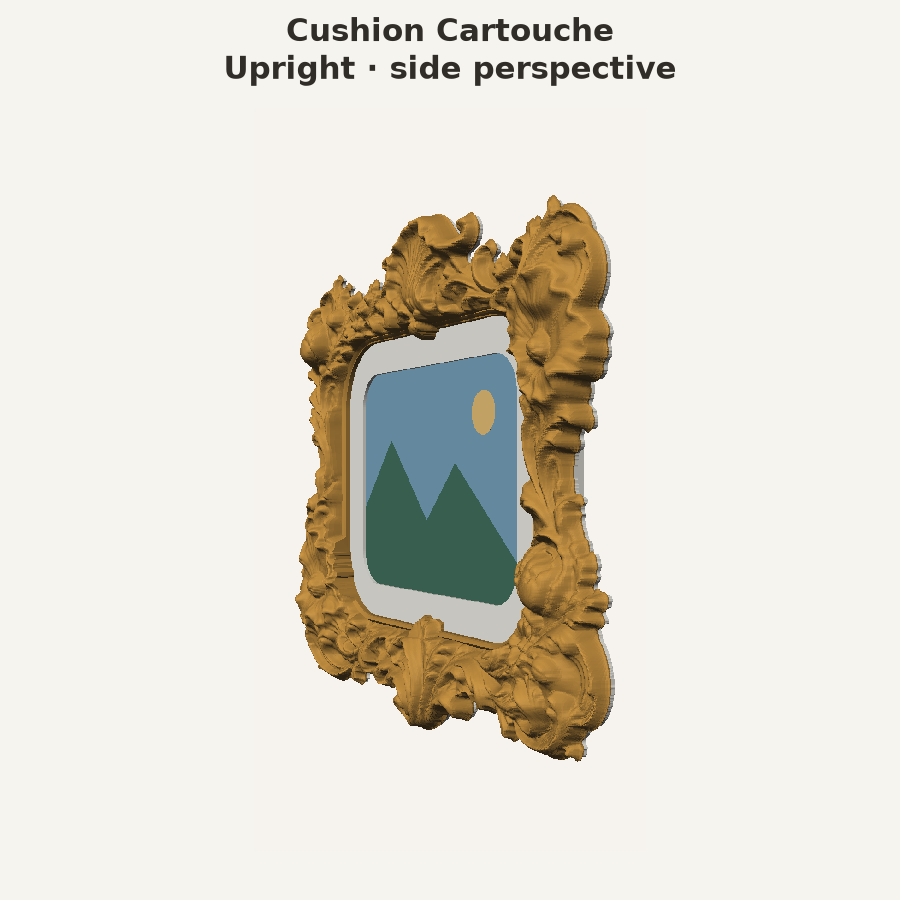 |
Cushion Cartouche Landscape · 111.4 × 98.3 mm Download 3MF · STL ZIP |
Front · Angled Back · Photo fit |
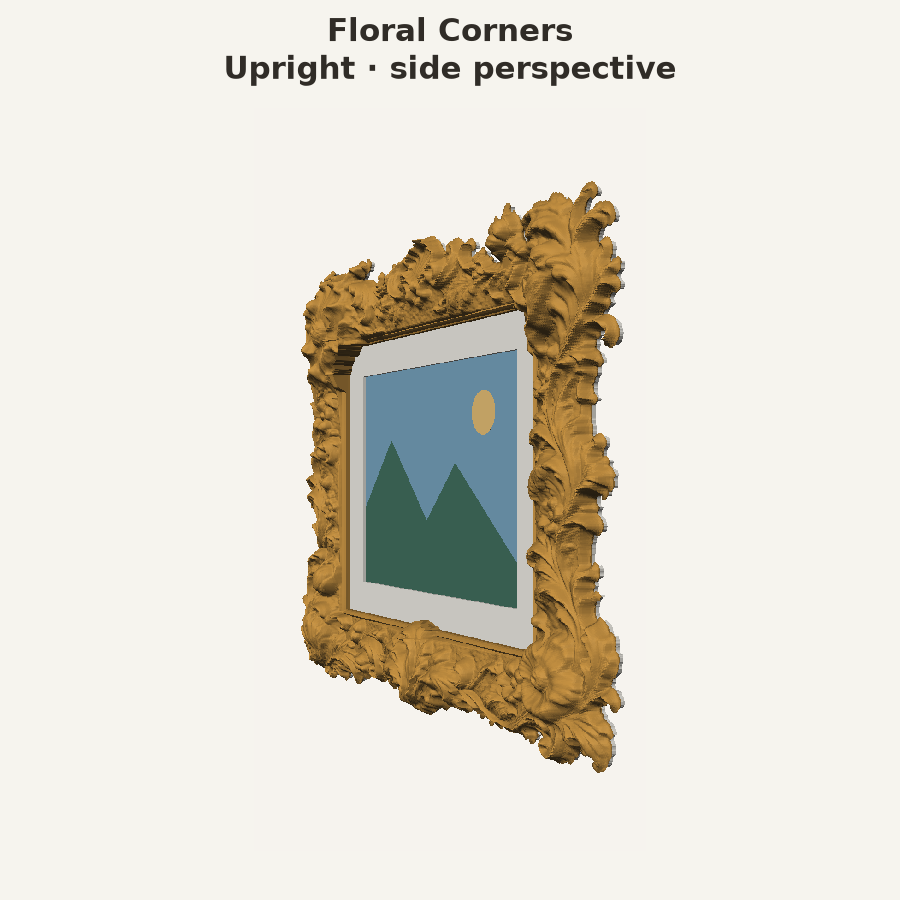 |
Floral Corners Landscape · 116.3 × 92.2 mm Download 3MF · STL ZIP |
Front · Angled Back · Photo fit |
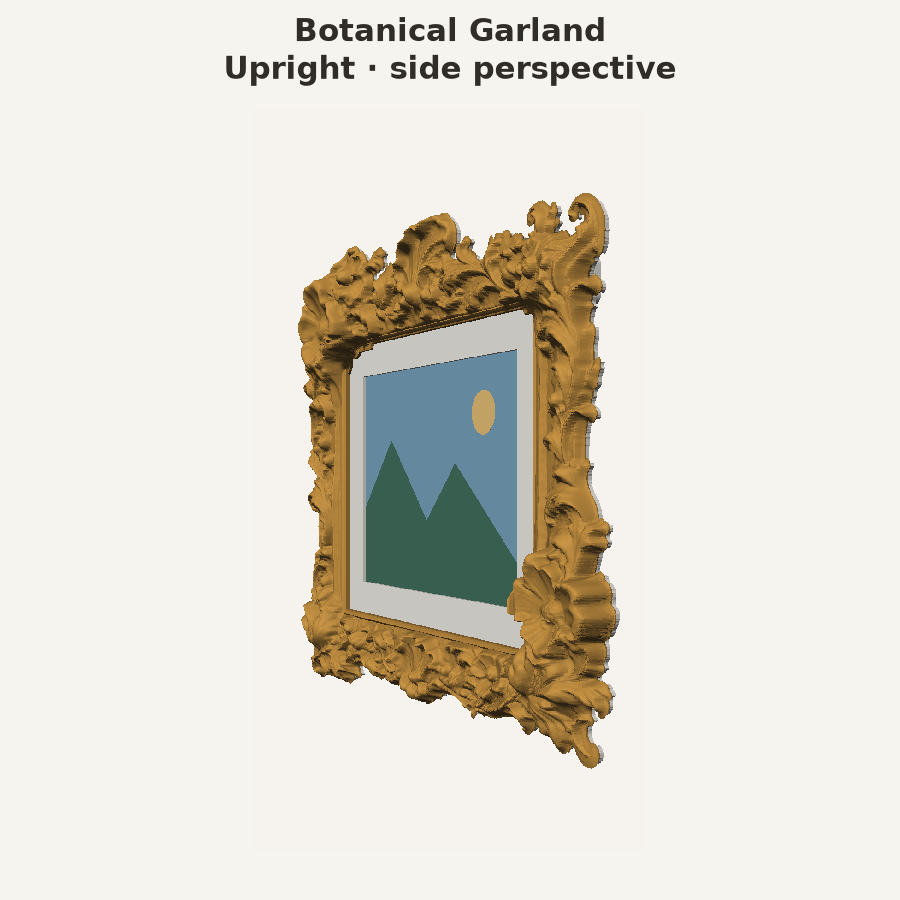 |
Botanical Garland Landscape · 114.3 × 96.0 mm Download 3MF · STL ZIP |
Front · Angled Back · Photo fit |
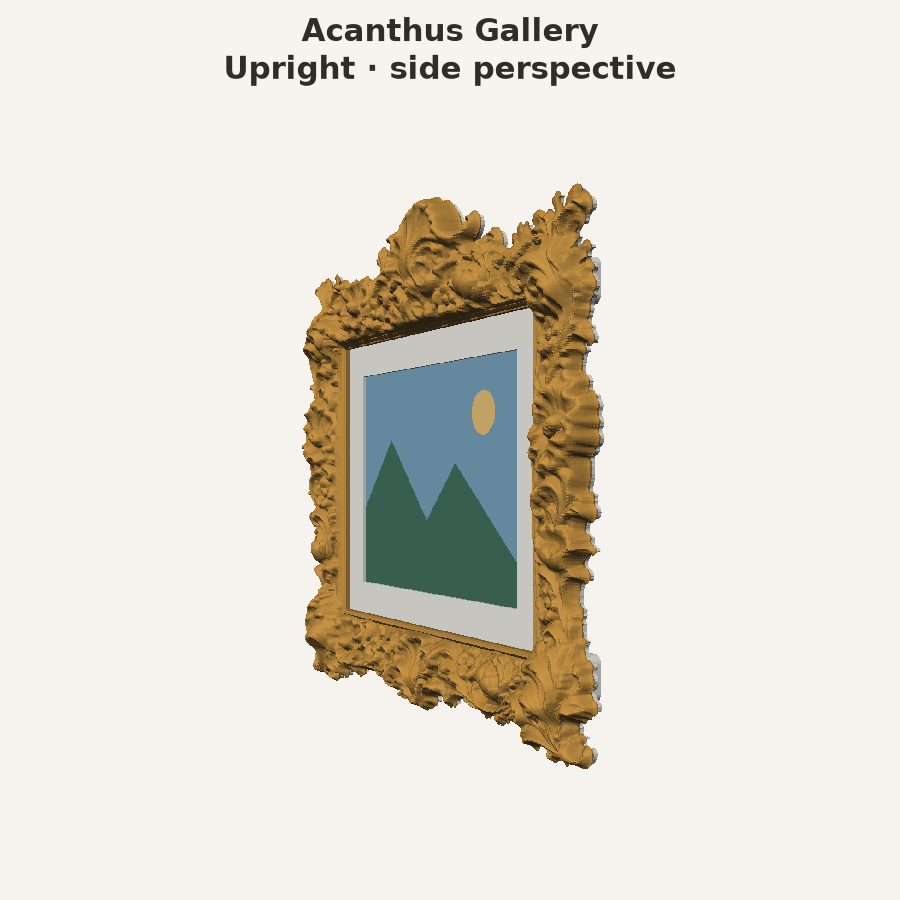 |
Acanthus Gallery Landscape · 107.2 × 98.7 mm Download 3MF · STL ZIP |
Front · Angled Back · Photo fit |
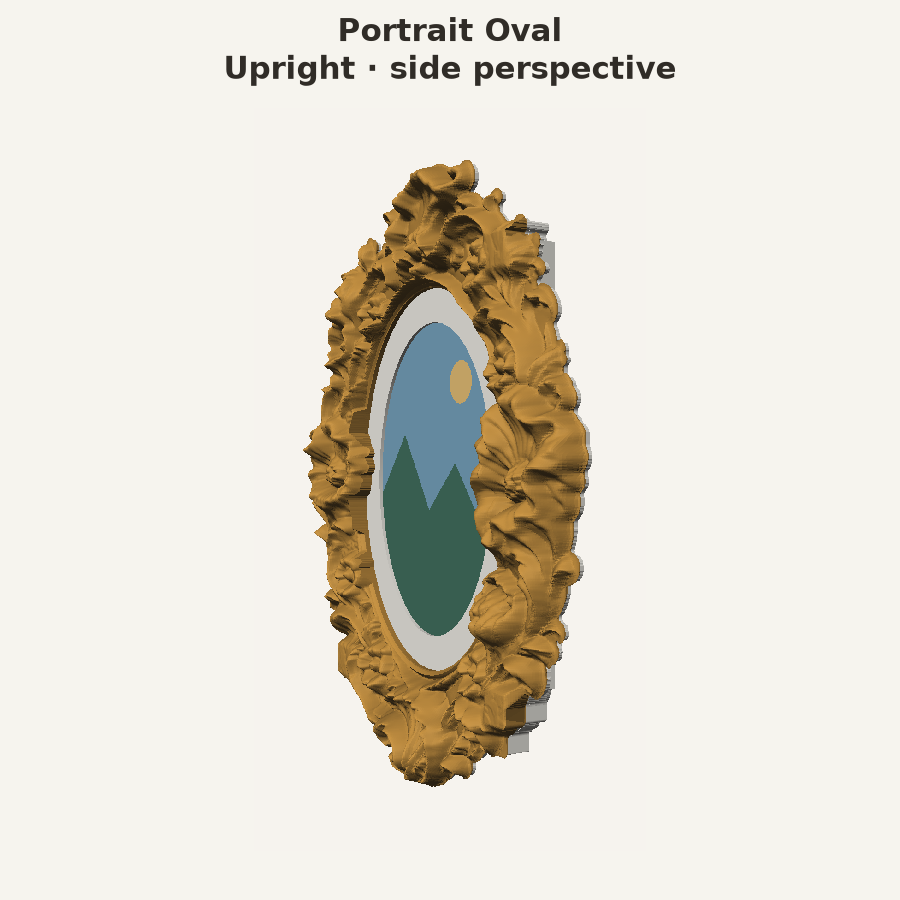 |
Portrait Oval Portrait · 100.6 × 118.4 mm Download 3MF · STL ZIP |
Front · Angled Back · Photo fit |
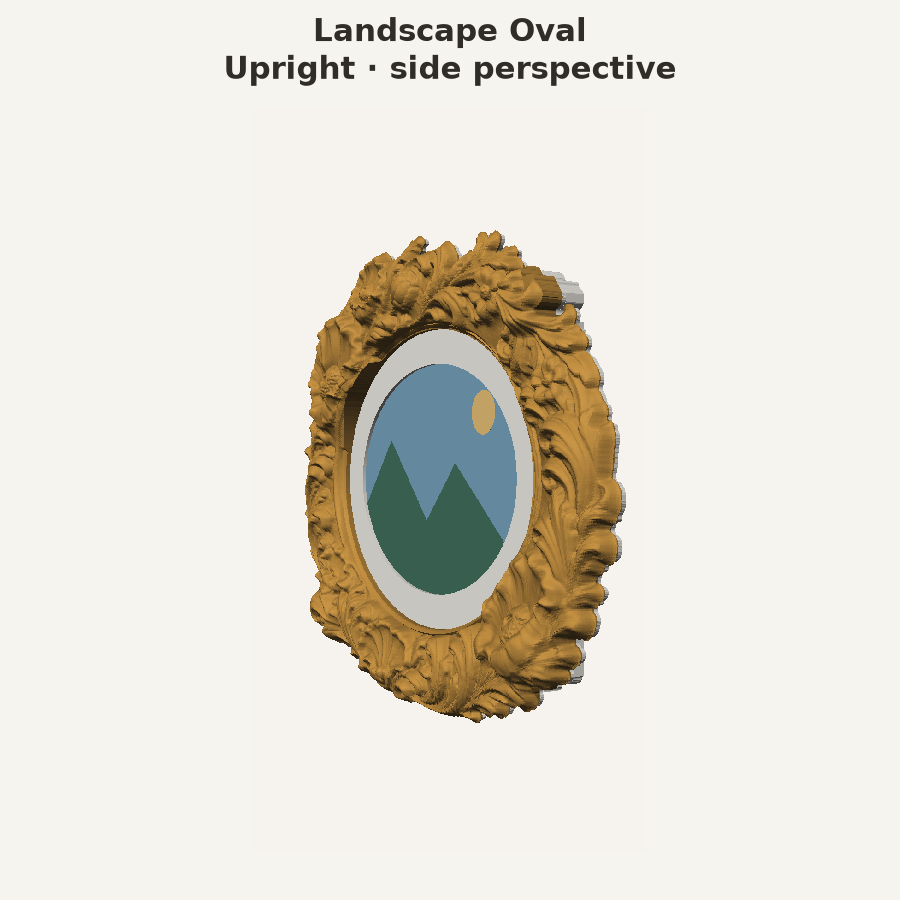 |
Landscape Oval Landscape · 117.0 × 91.4 mm Download 3MF · STL ZIP |
Front · Angled Back · Photo fit |
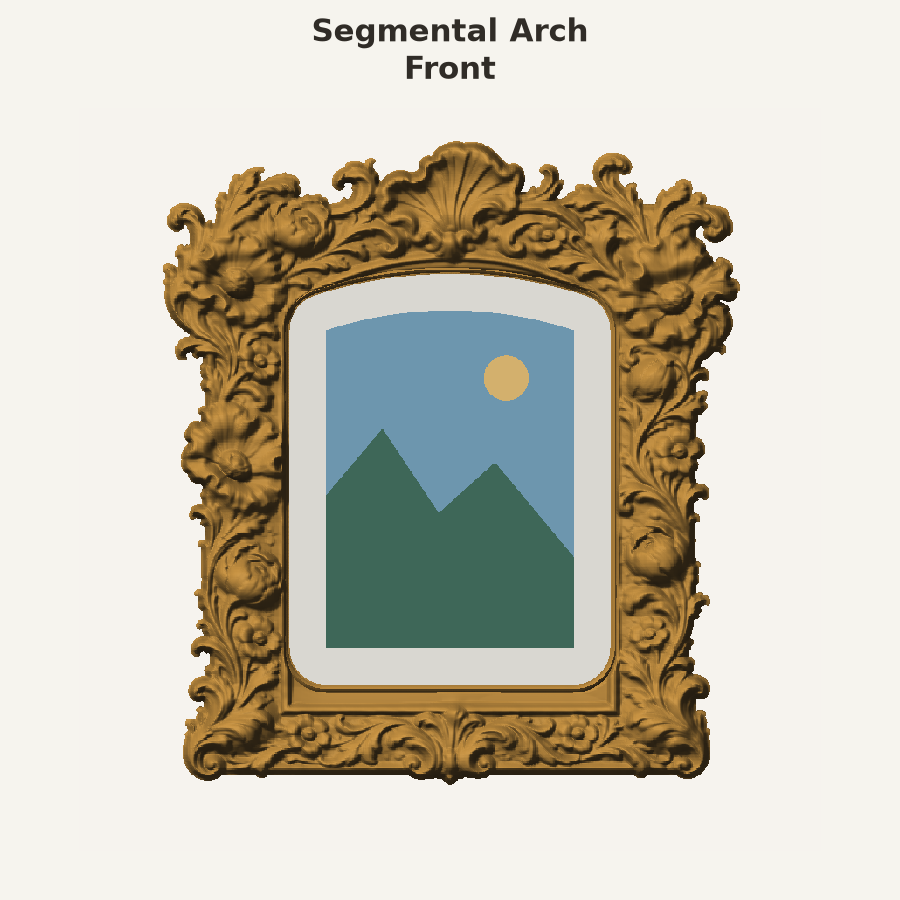
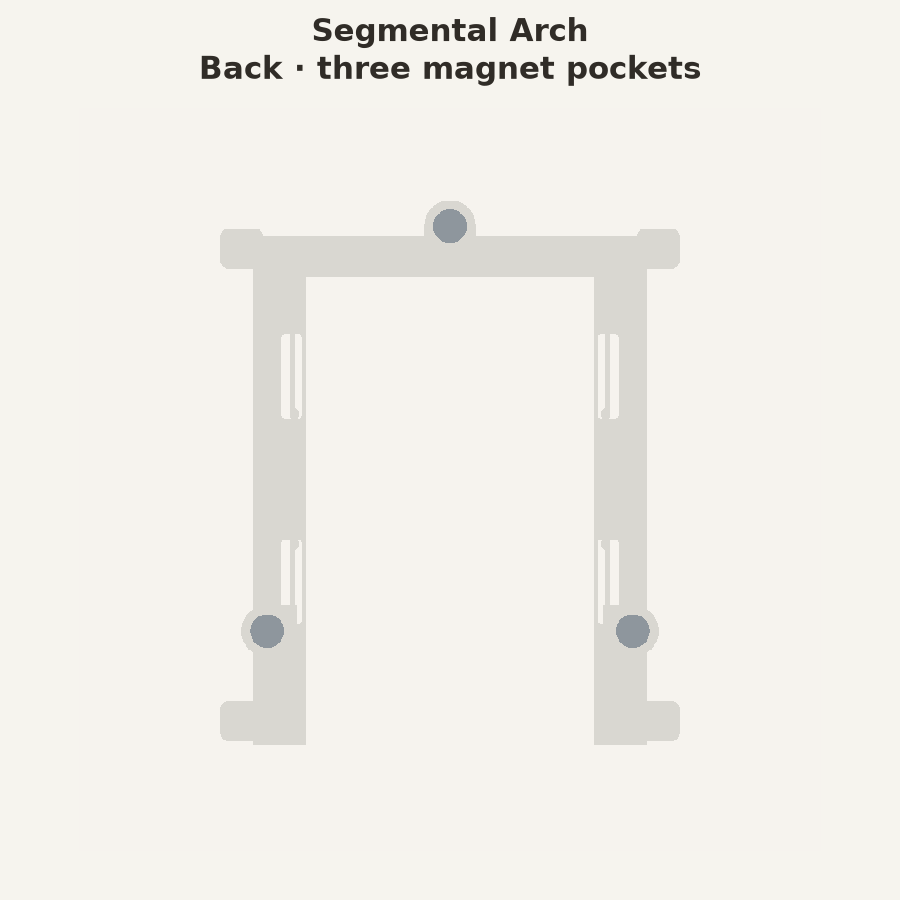
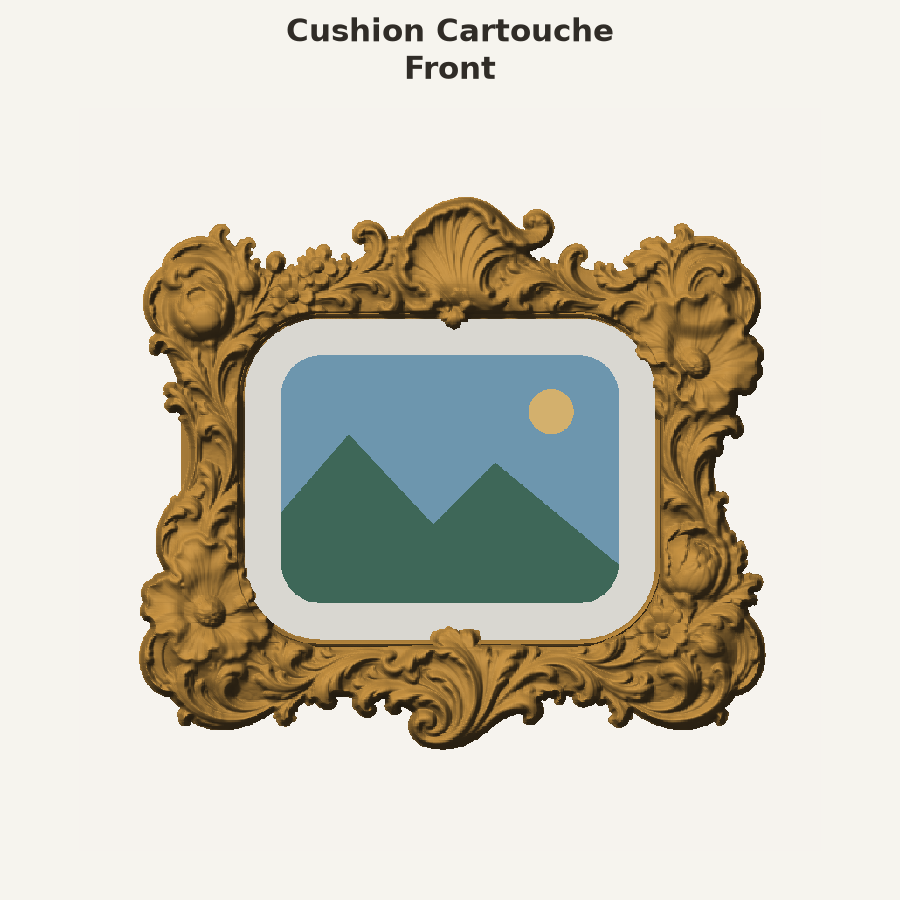
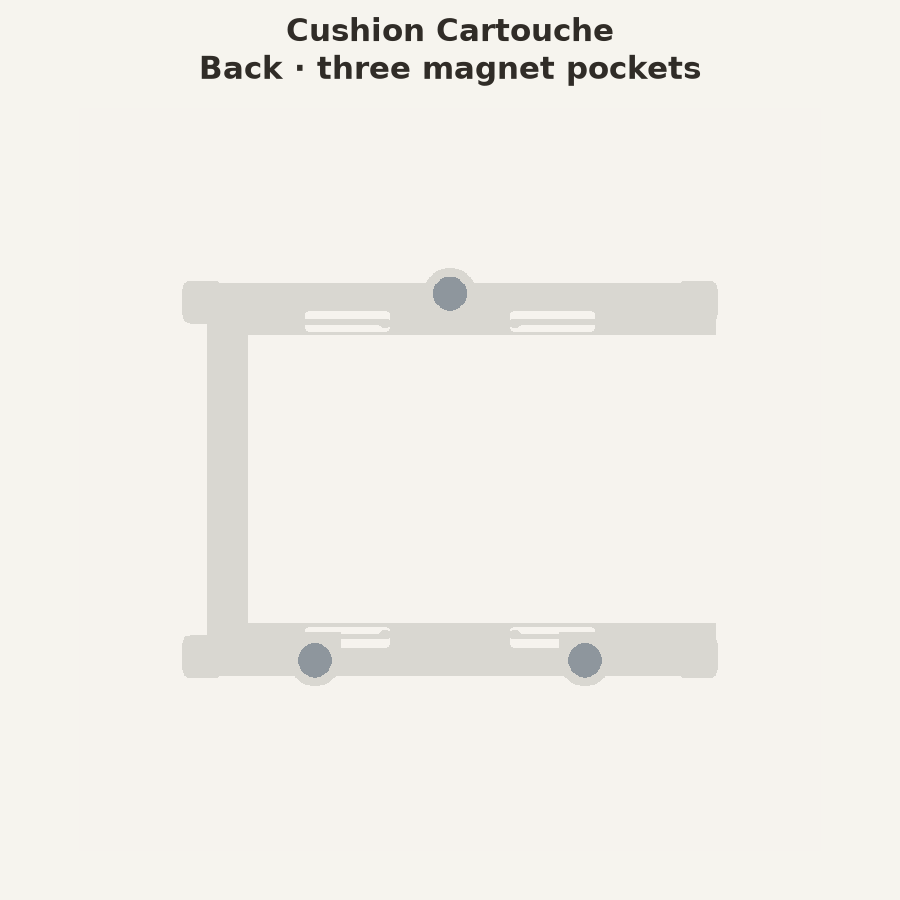
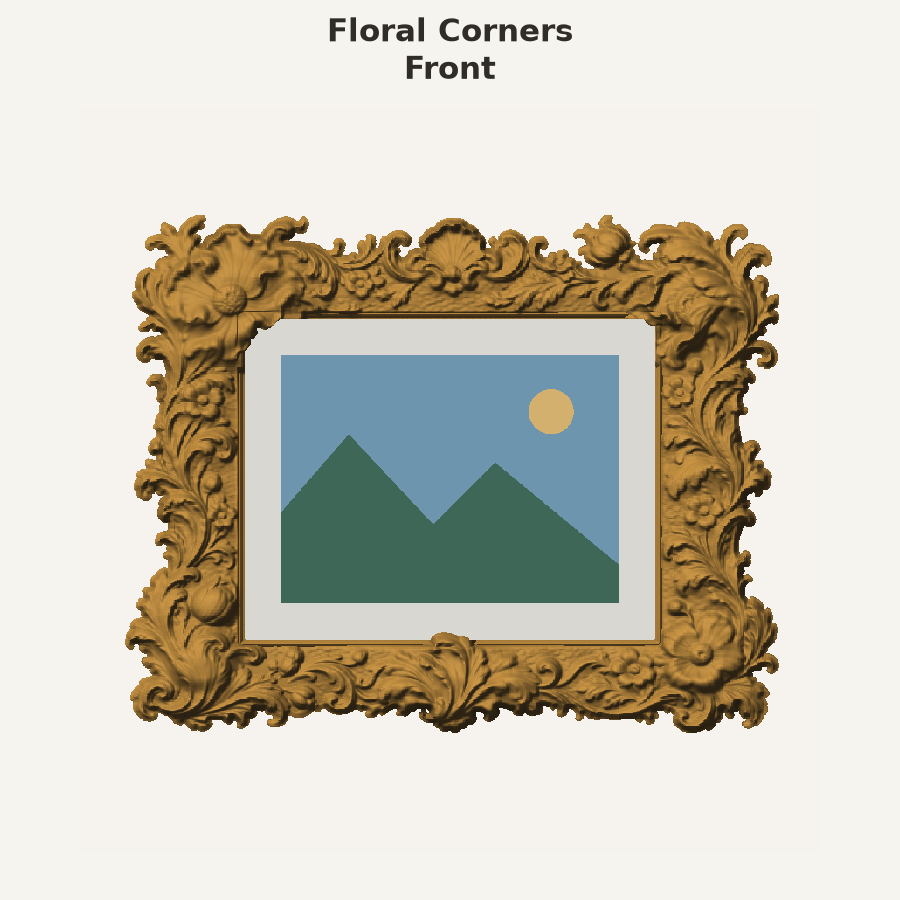
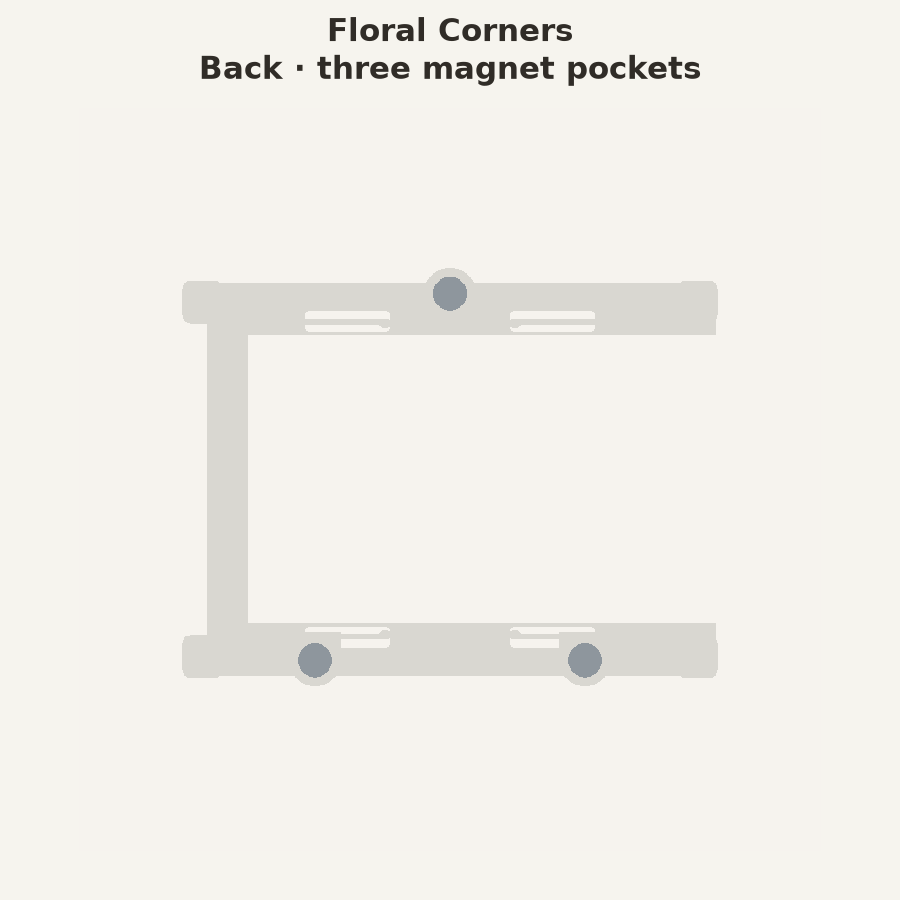
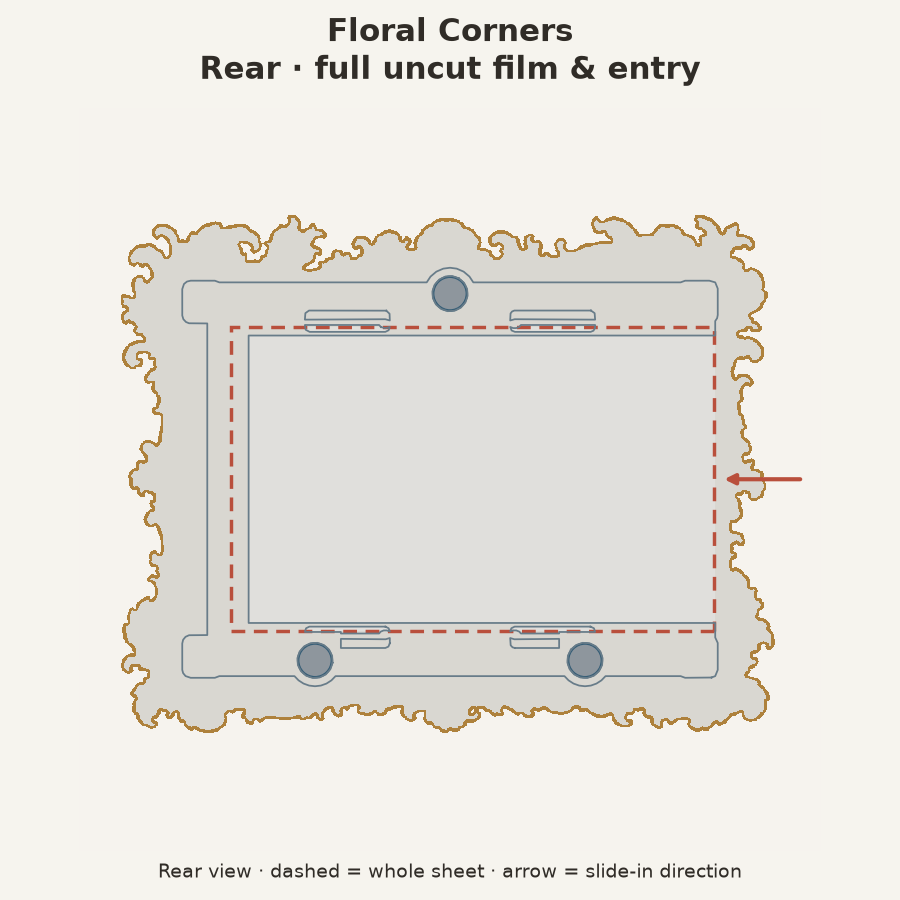
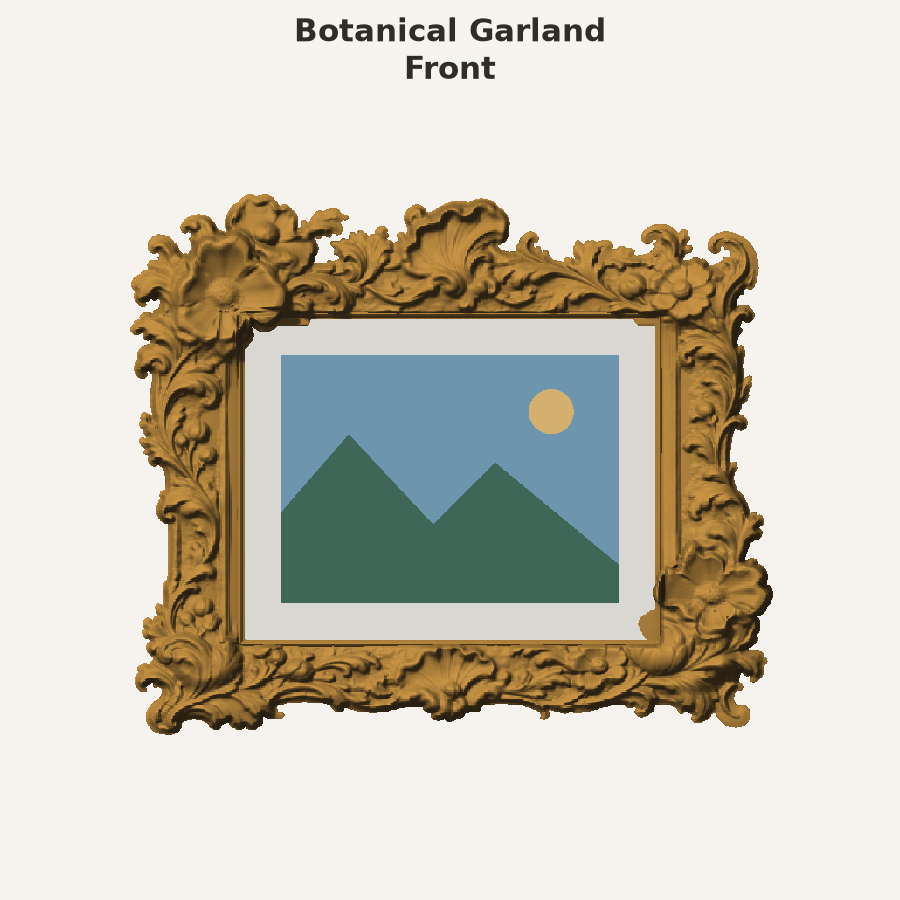
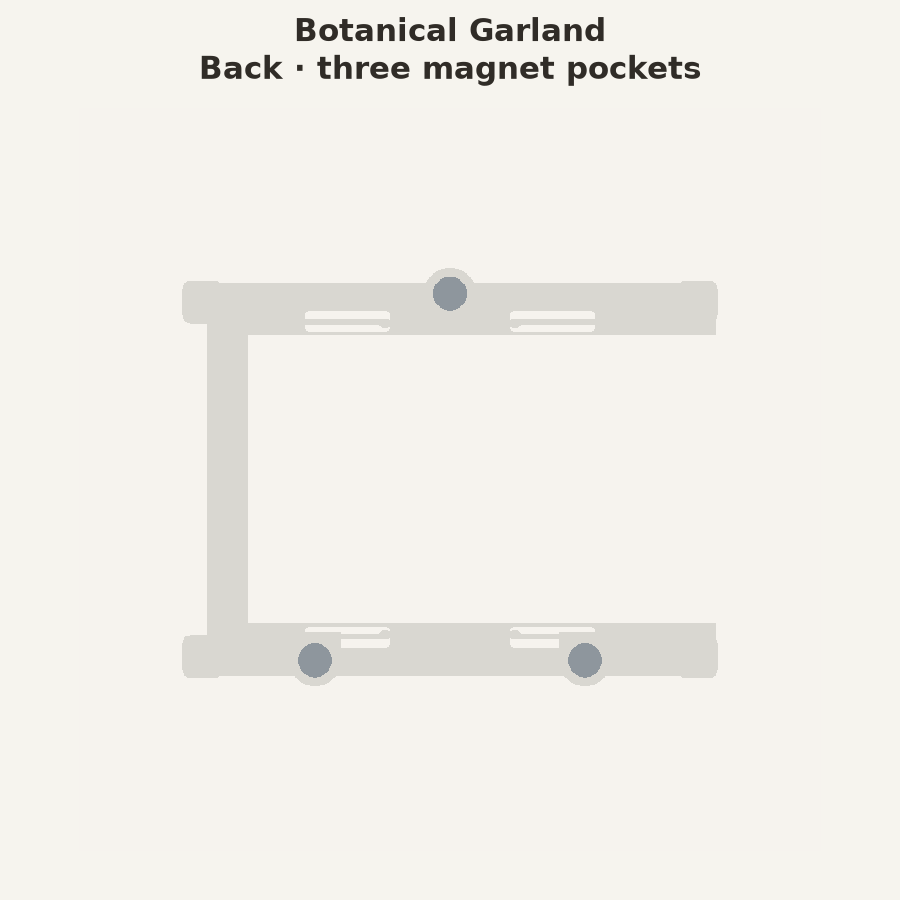
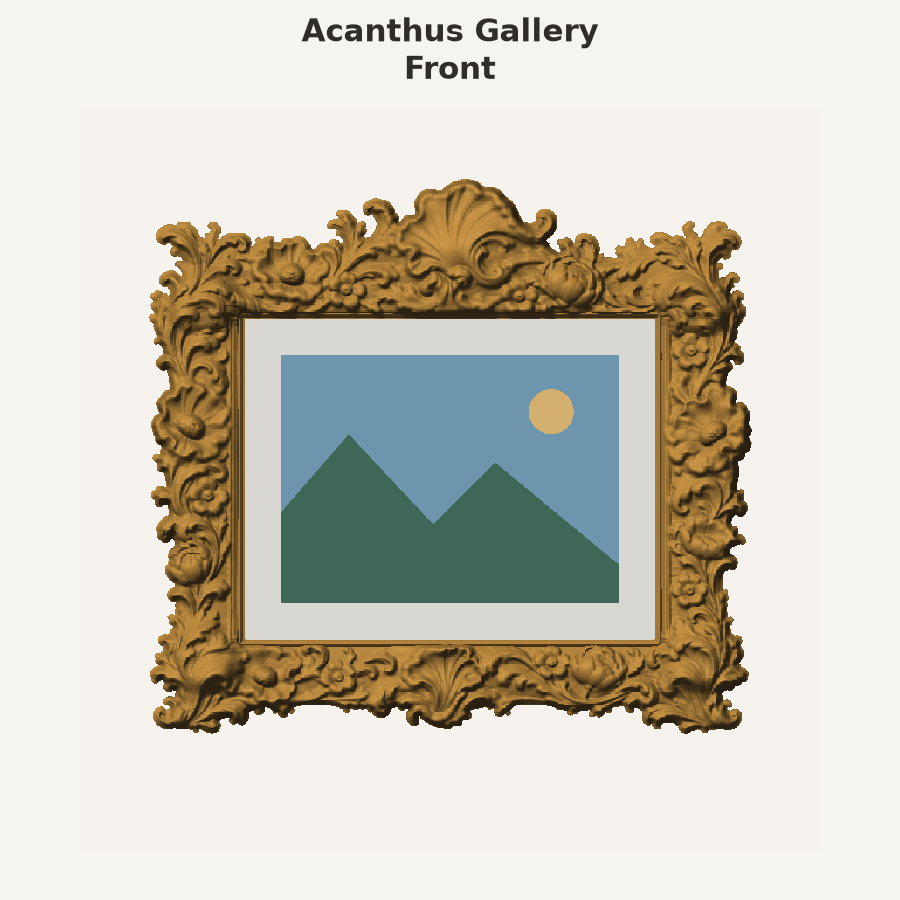
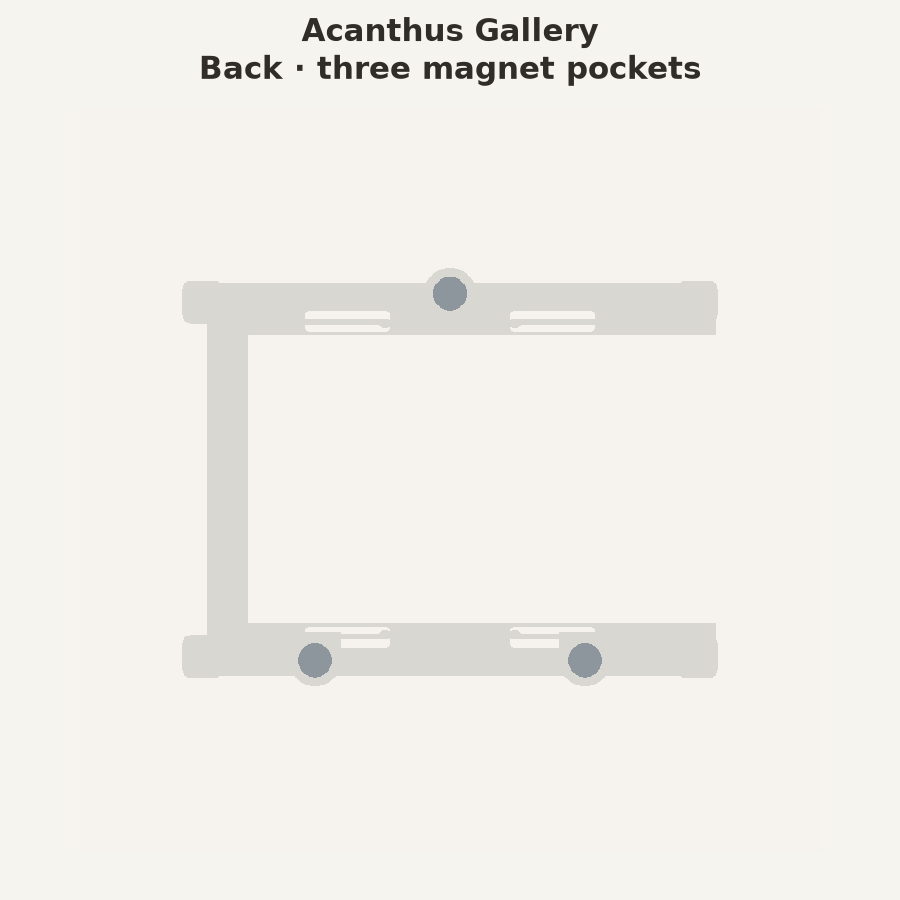
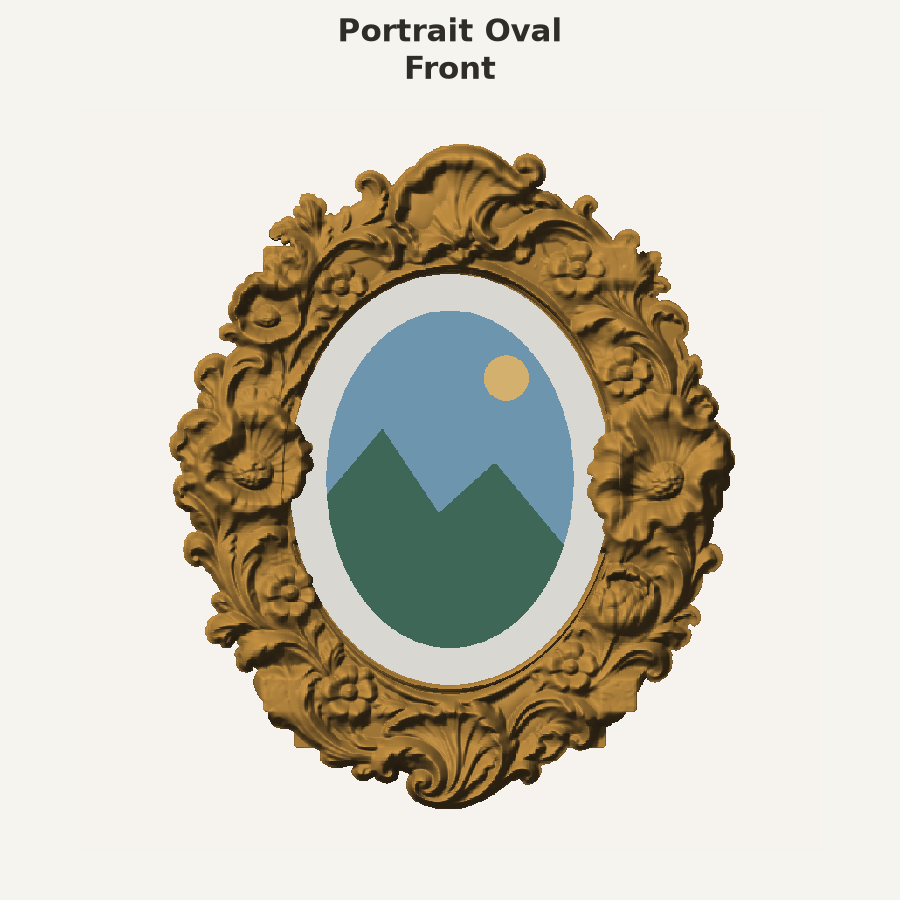
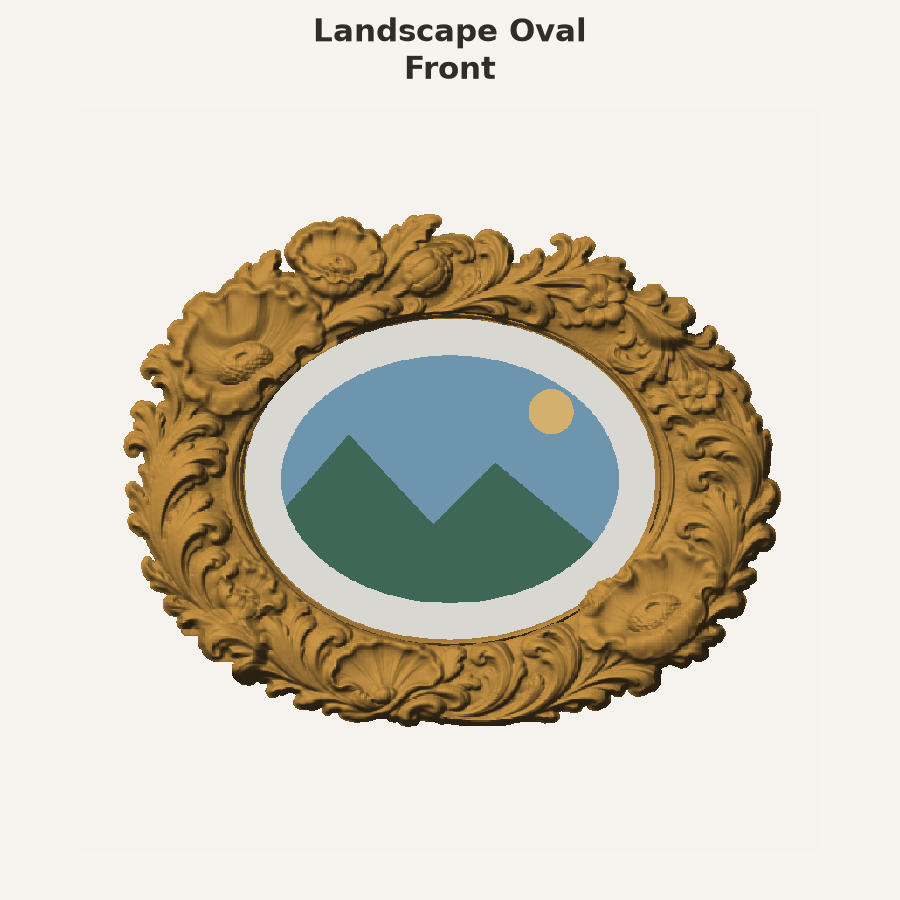
Six fronts include restored sculpted flowers and ornaments overflowing onto the mat. All existing matching three-magnet backs remain compatible. Keep fronts and backs paired by design.
🧩 Print and assemble
You need filament, three Ø6 × 3 mm magnets, and suitable glue. Use one filament for the whole frame, or choose separate mat and frame colors. The back prints separately. The reinforced inner mat is 0.68 mm thick—seven layers at the supplied settings.
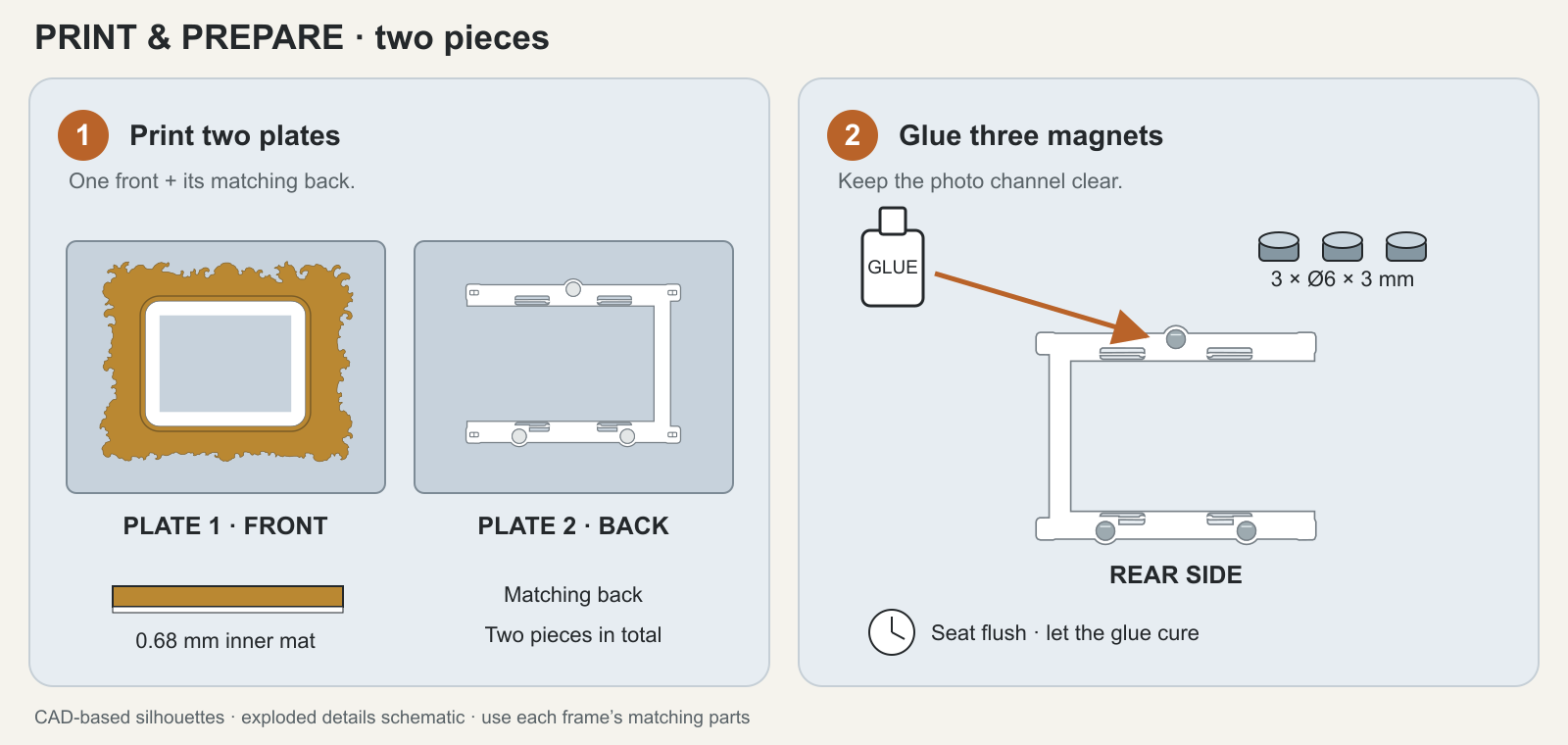
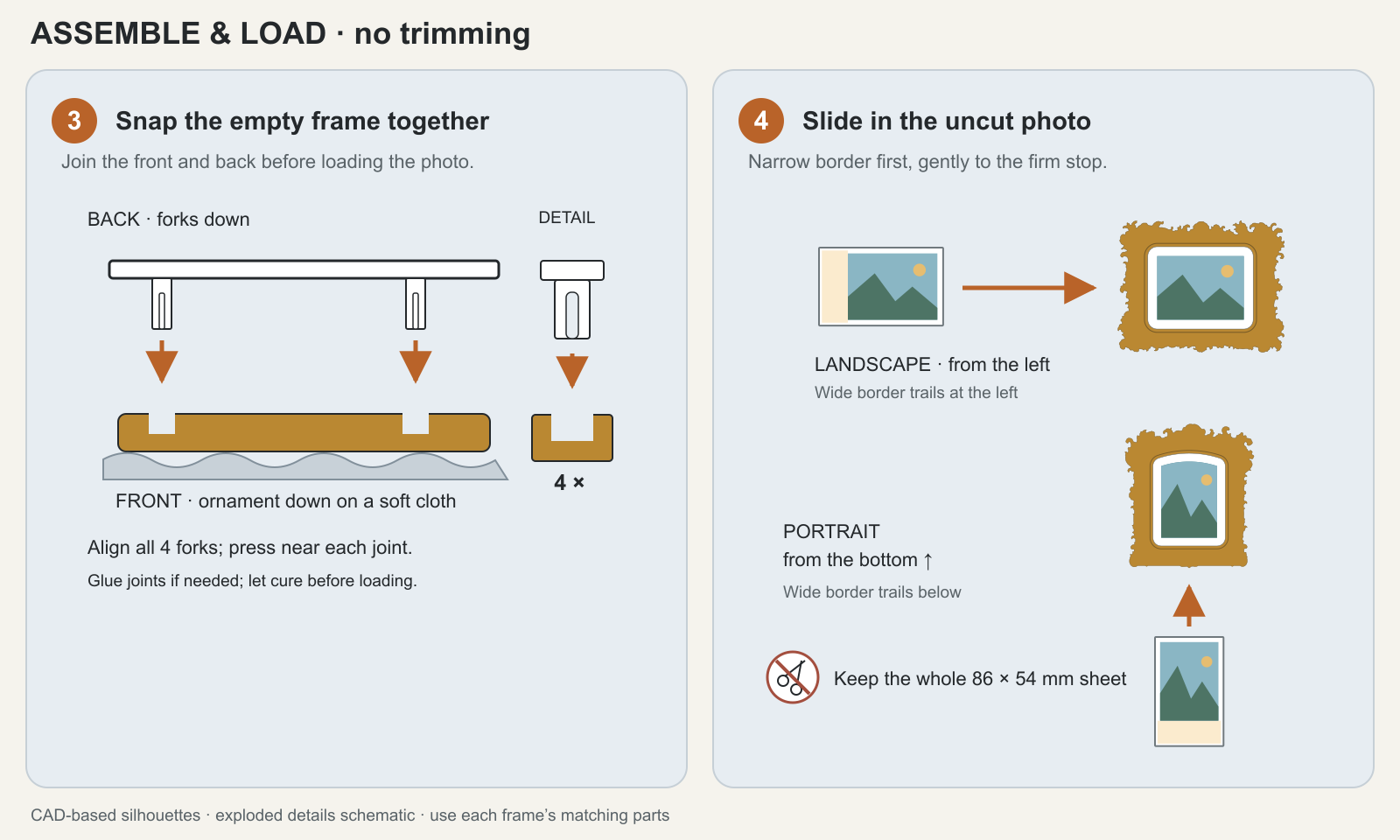
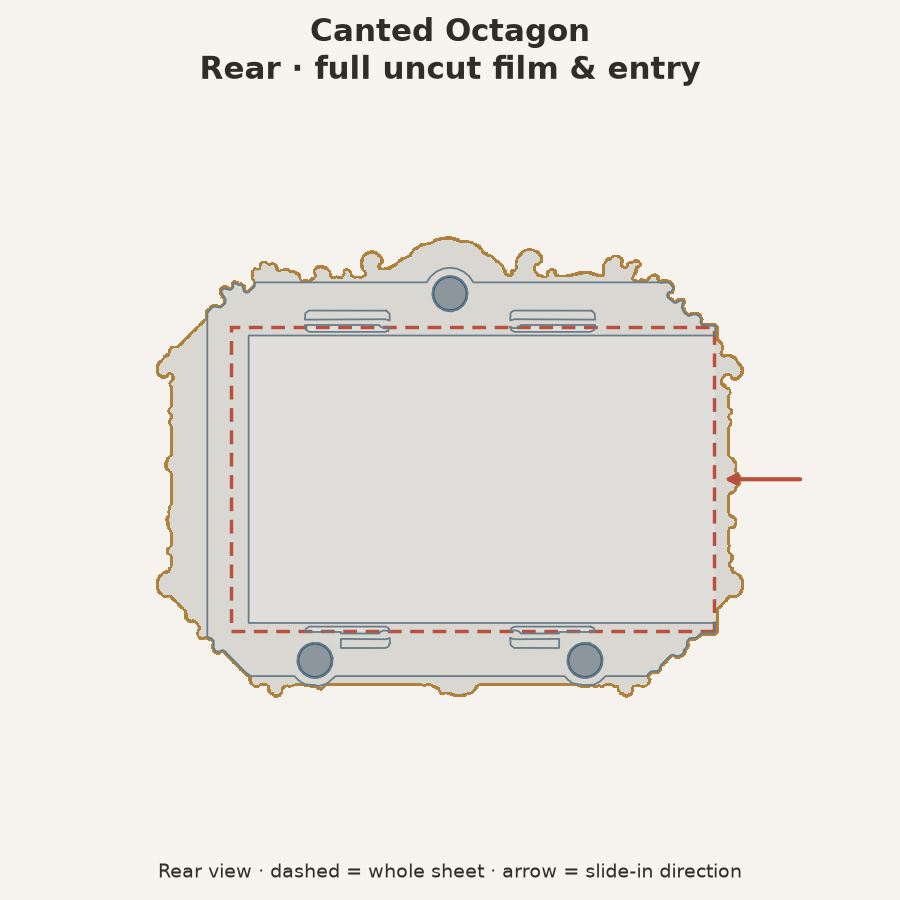
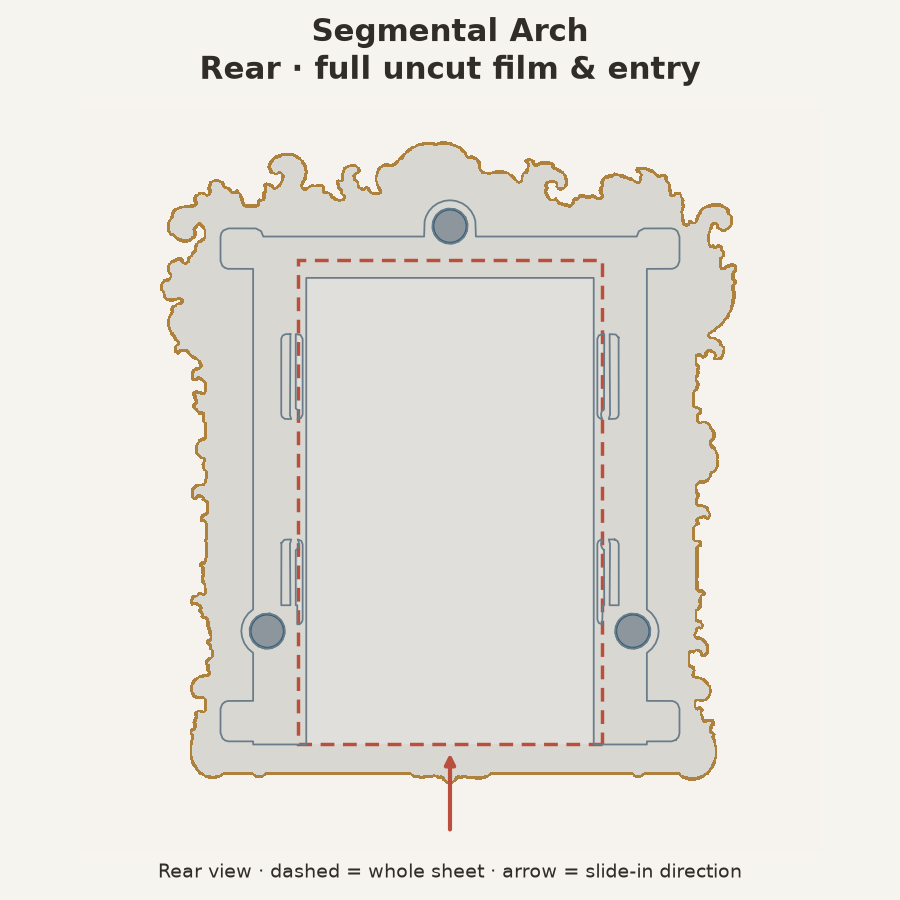
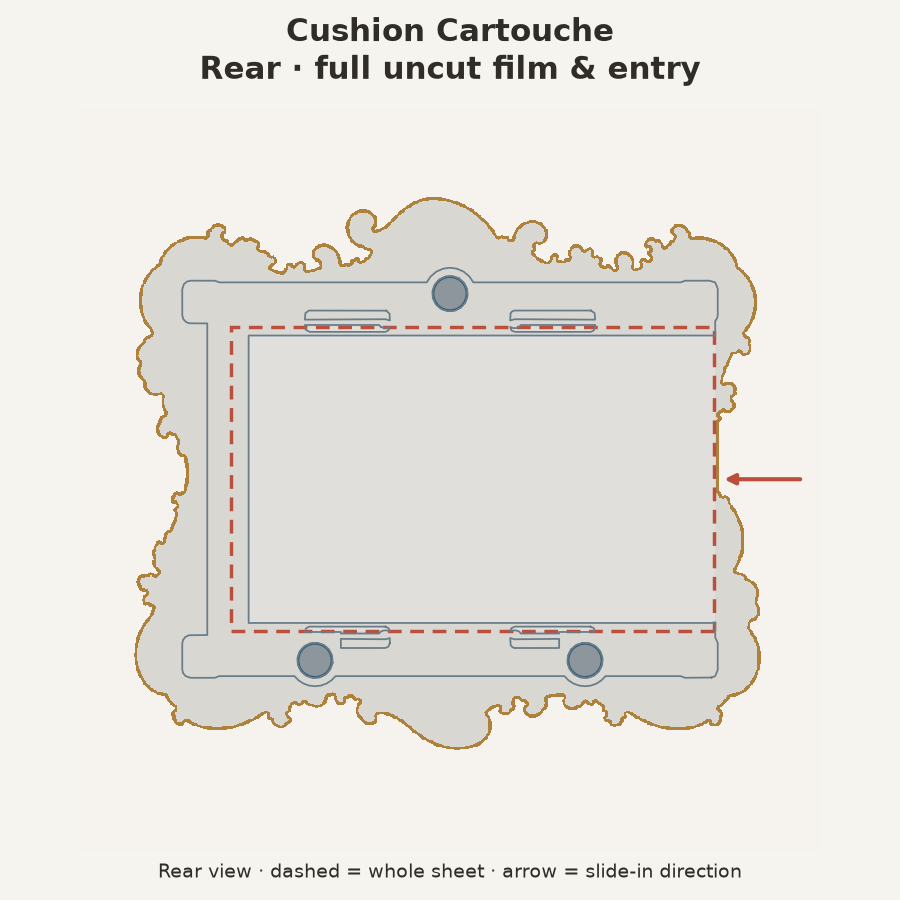
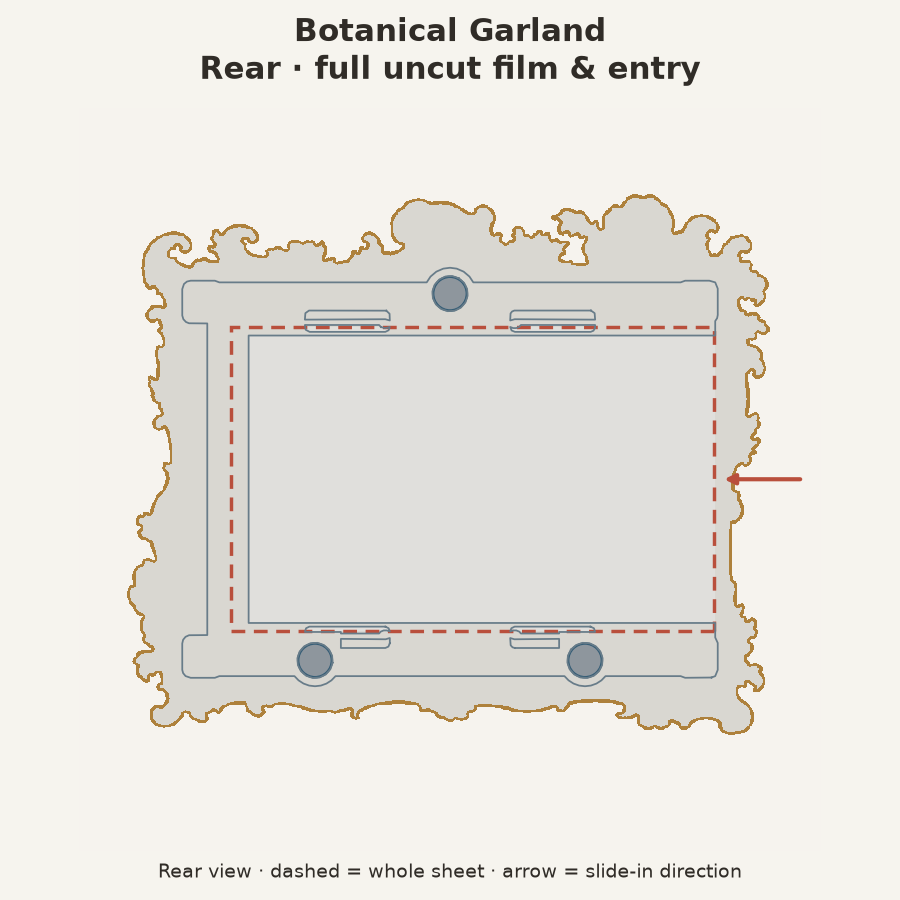
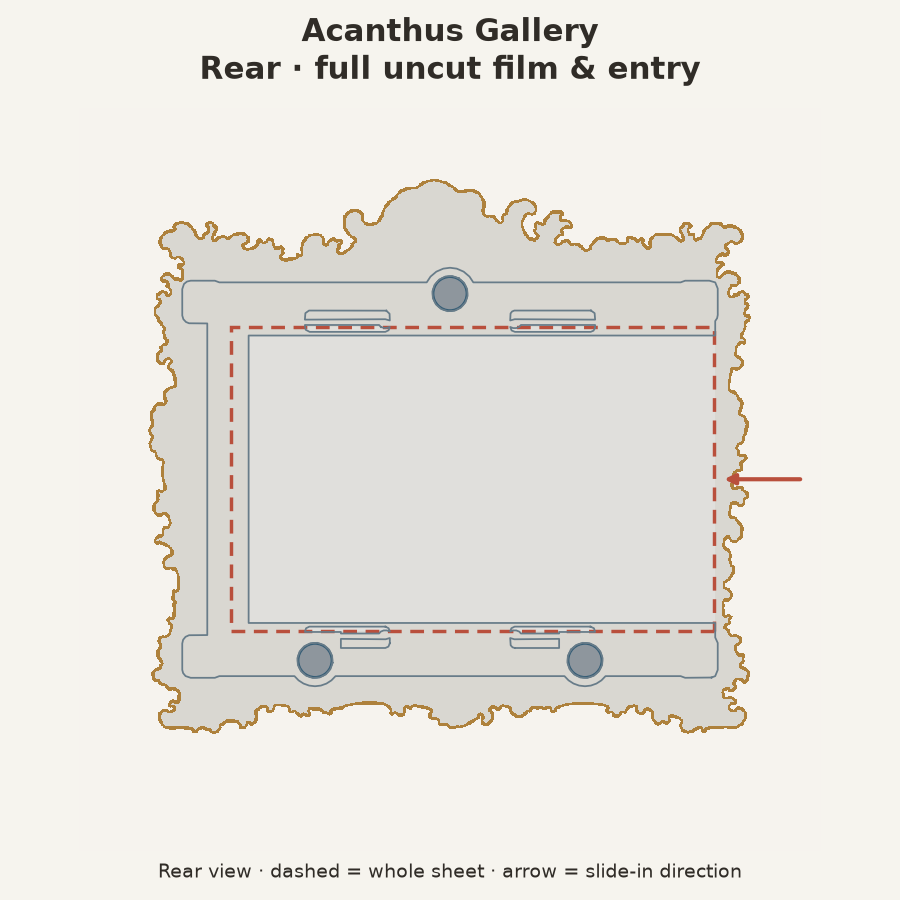
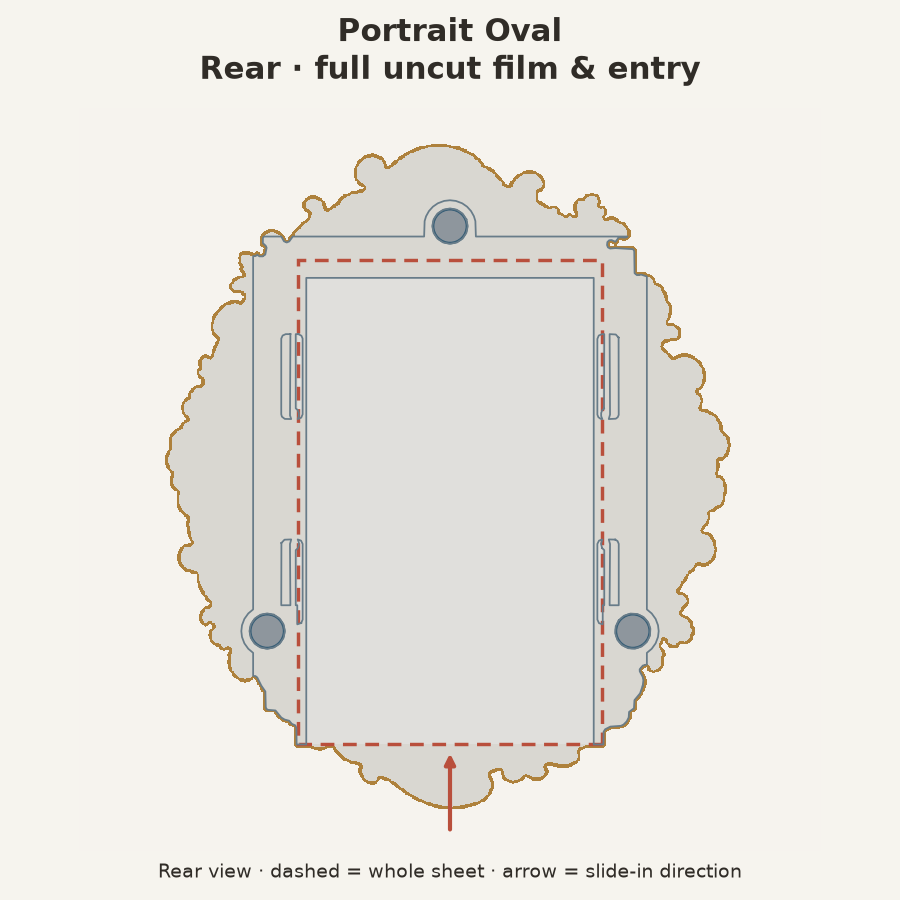
Landscape photos enter from the left; portrait photos enter from the bottom. The wide caption border trails behind. Keep the instant film whole. The joints only need to engage once and may be glued after seating; let adhesive cure before loading the photo. Print settings and assembly details · Editable diagrams.
Printed one? Share a make on Printables · Share on MakerWorld · Report a print or fit issue
📷 How the whole photo fits
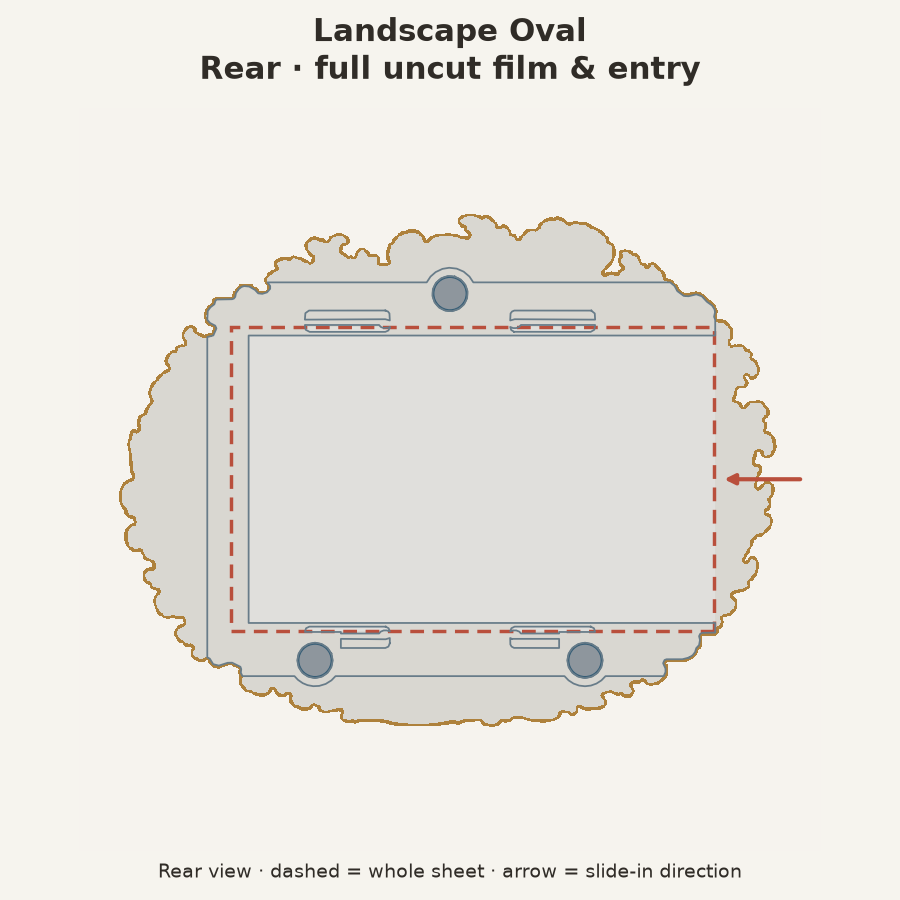
The whole 86 × 54 mm sheet and back are concealed when viewed from the front; the carrier can be visible at shallow angles. The opening deliberately masks a little of the image; the ovals mask more.
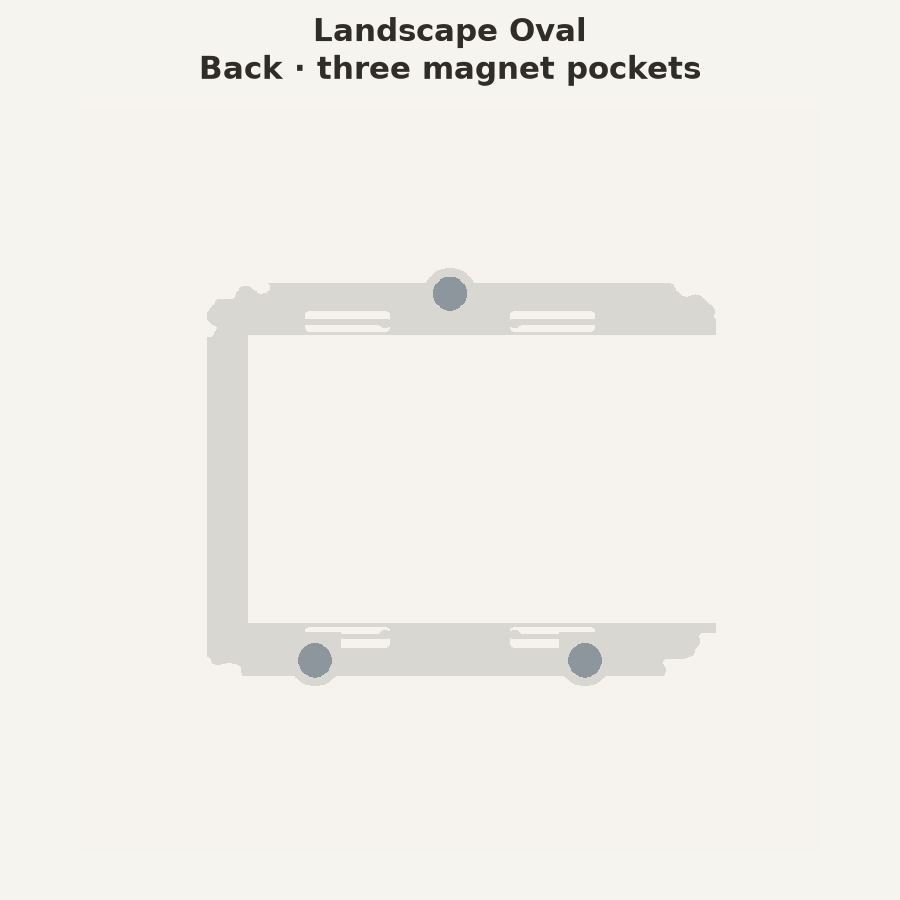
These rear views show the retaining supports, three magnets and full sheet. The dashed outline follows the uncut film beneath the retaining edges; arrows show how it slides in. Viewed from behind, landscape entry appears on the right (the left when seen from the front); portrait entry stays below.
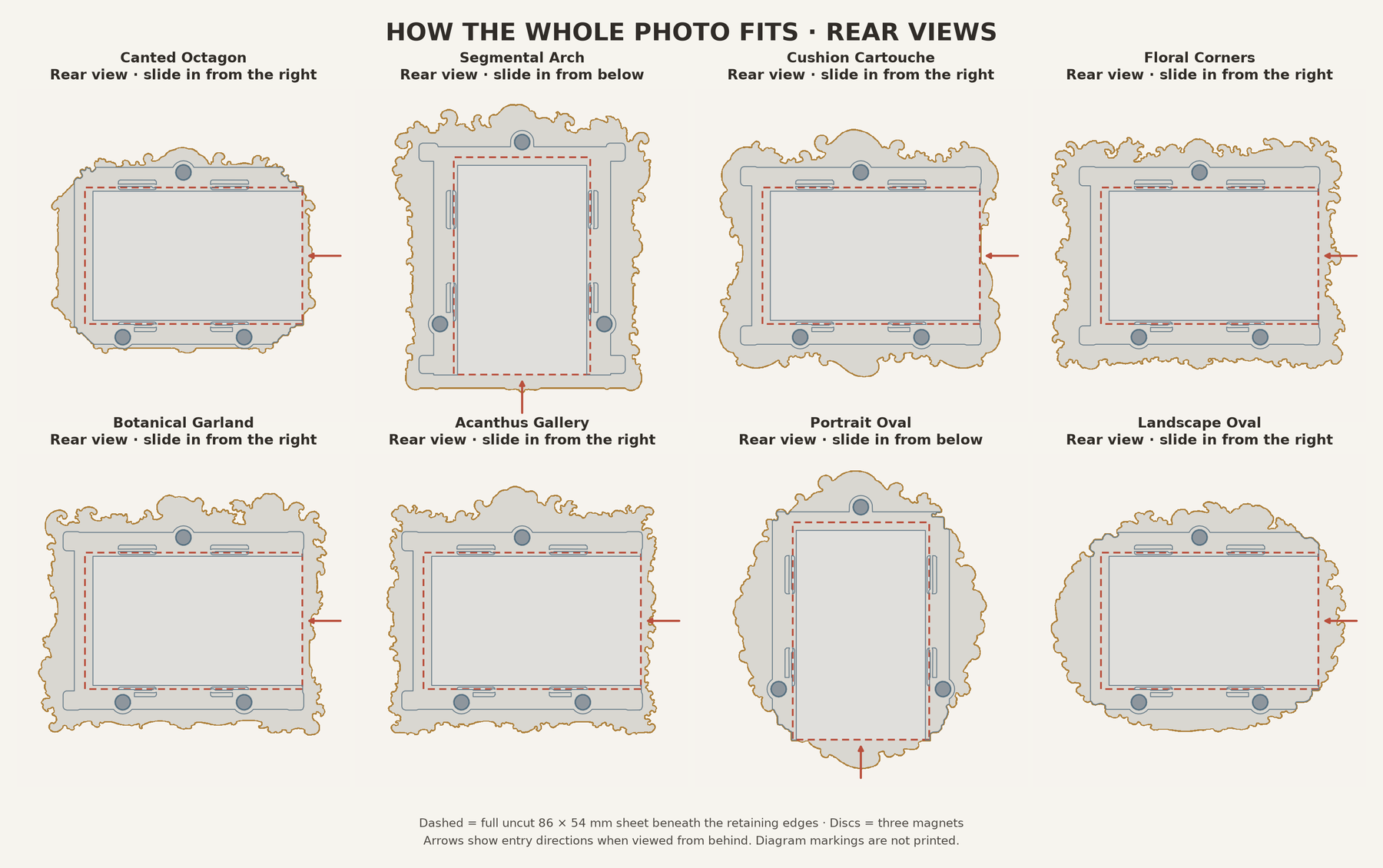
These fit Instax Mini, rather than Polaroid Go, full-size Polaroid, Instax Square or Instax Wide. Dimensions, crop percentages and checks.
🖨️ Before you print
| Check | Included setting / what you need |
|---|---|
| Printer settings | 3MF: supplied Bambu P2S · 0.4 mm profile. STL: use your own printer, nozzle and filament profiles |
| Filament | Up to two colors: one for the mat, one for the frame and back |
| Layer height | Supplied 3MF: 0.20 mm first layer, then 0.08 mm |
| Reinforced mat | 0.68 mm · seven layers with the supplied settings |
| Magnets | Three discs per frame: 6 mm diameter × 3 mm thick |
Open as a project to keep the matching parts, plates and material assignments. Use profiles for your printer and filament before slicing. For a single-color front, assign the mat and ornament to the same filament.
Two-color STL front: assign filaments to the aligned mat and ornament parts, or use a manual swap. With the supplied layer heights, finish layer 7 at 0.68 mm, then change filament before layer 8 at 0.76 mm. Different layer heights need a different layer number; check the first ornament layer in the preview. Color-change instructions.
Let the plate cool, then flex it away from the frame. Avoid pulling on the inner mat or projecting flowers.
🌿 Design, source and license
French floral Rococo, made miniature. New compositions informed by Louis XV frames, approximately 1735–1750, adapted to supported printable relief and whole Instax Mini sheets. Historical references & design notes.
Make them yours: use, modify, share, and sell your prints.
| What | License |
|---|---|
| Models, renders & documentation | CC0-1.0 |
| Code | MIT |
CC0 applies to the rights we can waive. License scope & third-party materials.
🛠️ Explore the source and earlier releases
- Current CAD inputs
- Build and review notes
- Geometry and slicer records
- Rebuild the frames
- Creation and provenance record
- Project icon & simulated photo
The earlier six-frame release remains in the repository history and original model paths. The table above links to the current eight prototypes.
Catalog views use a drawn photo placeholder; the project icon uses an AI-simulated photo. Share your own print photos with a permission record.